
The offline invoice app
Professional PDF invoices in 30 seconds. No account. No internet. No subscription.

Free during launch. Keep it forever.
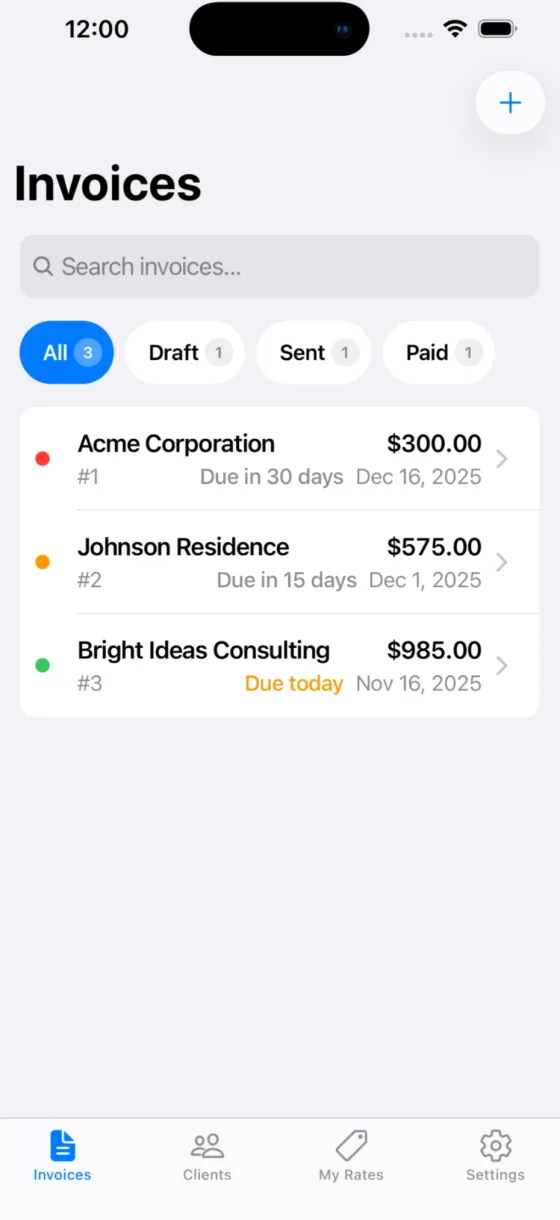
What you get
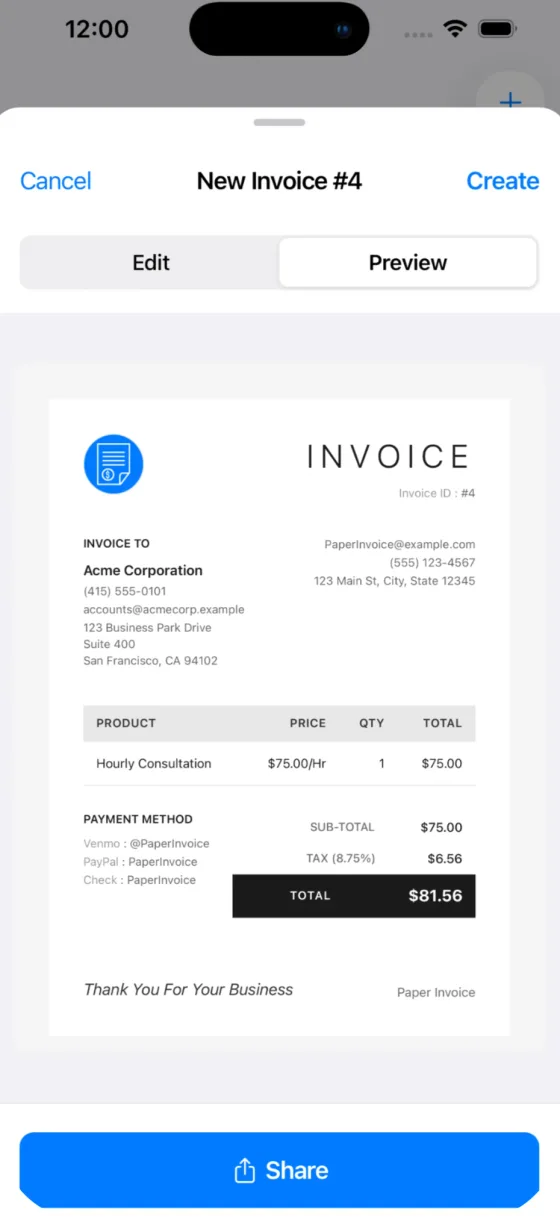
Professional PDFs in seconds
Create polished invoices with your logo and branding, then share them by email, text or AirDrop.
Works offline
Make an invoice in a basement or on a remote job site. No Wi-Fi or cell signal needed.
Private by design
Your data stays on your device. No account, no cloud, no tracking.
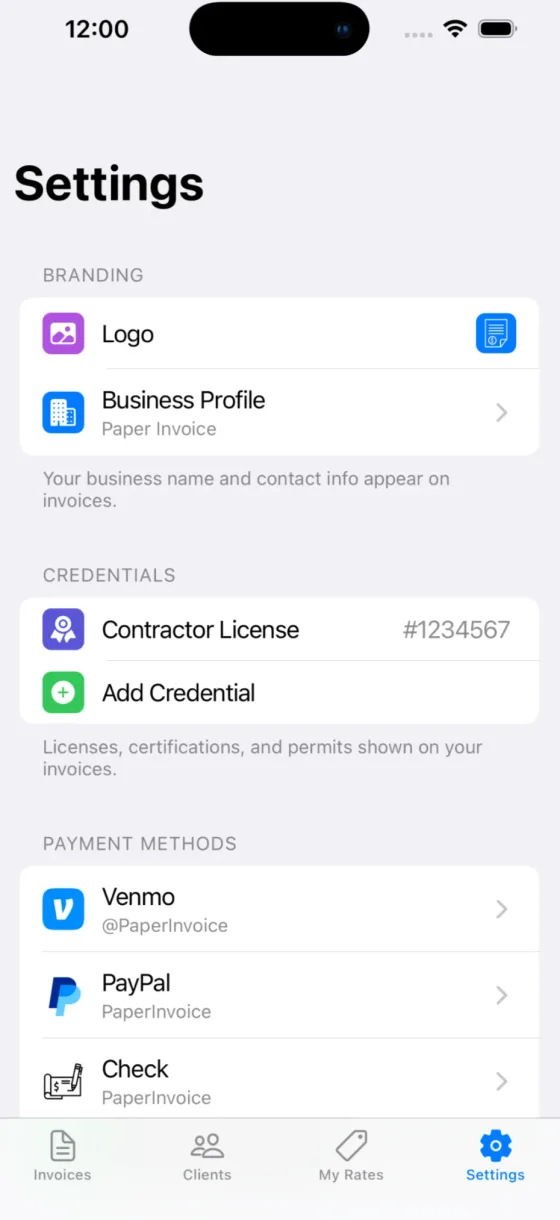
Your brand and credentials
Add your logo, business profile and licenses, such as a contractor license, to every invoice.
Saved clients and rates
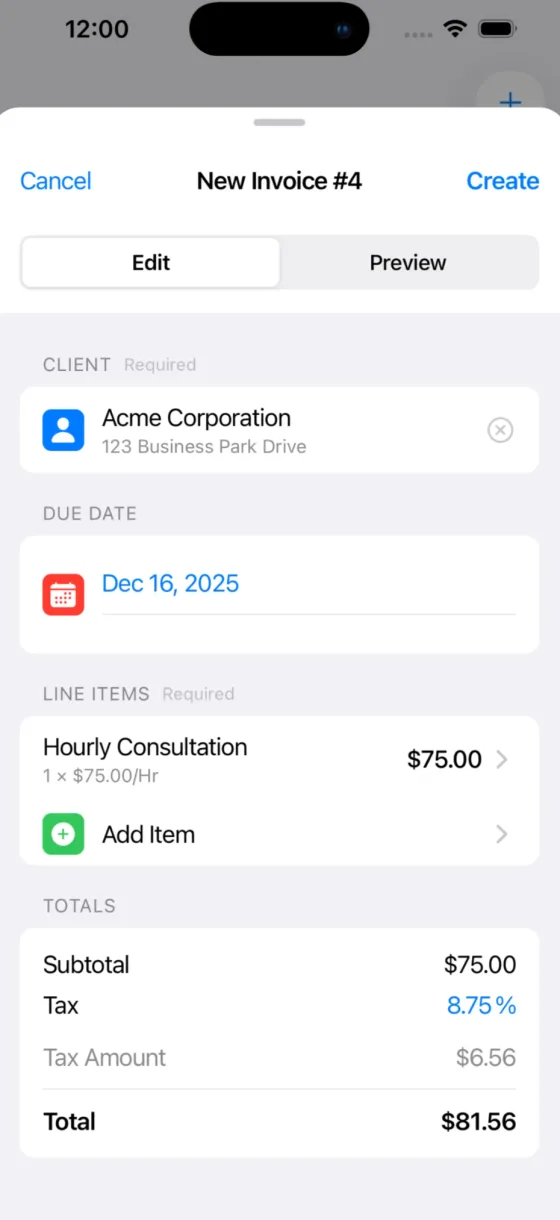
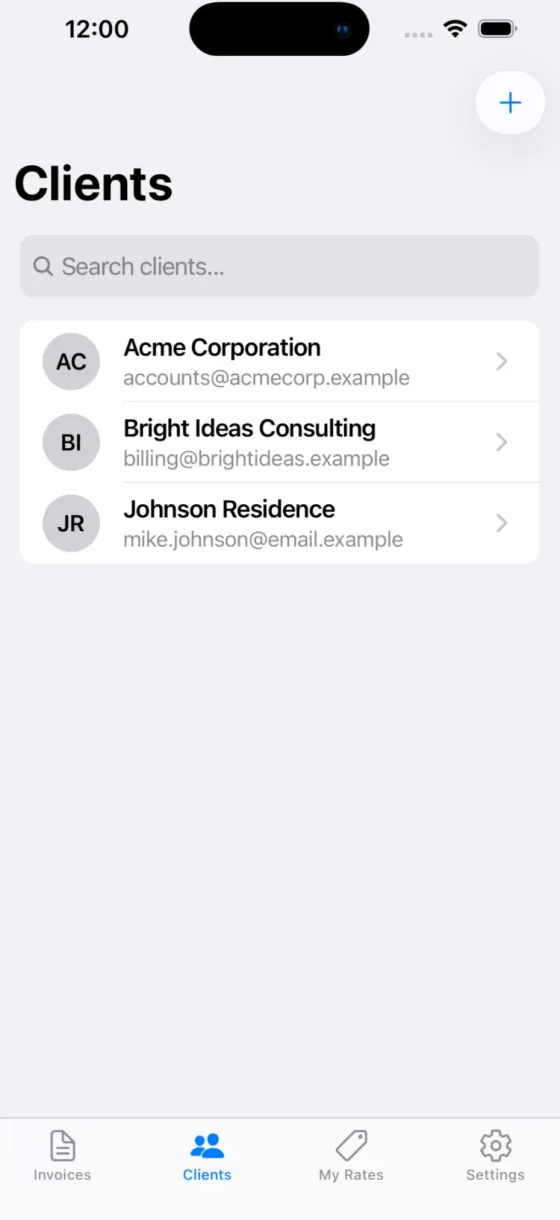
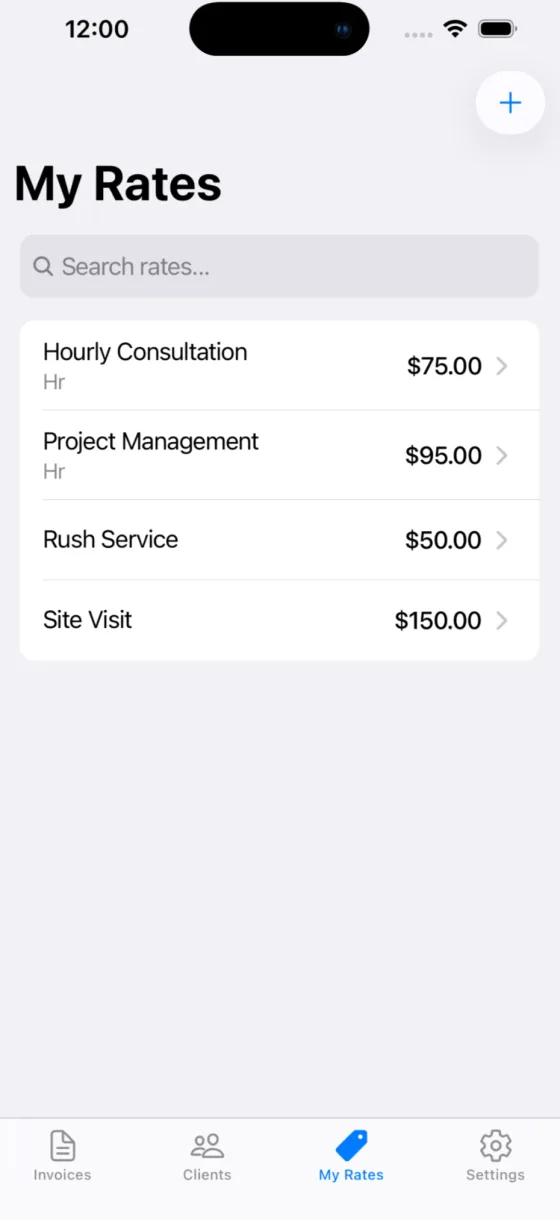
Keep your clients and your hourly or flat rates on hand, so the next invoice takes a few taps.
Payment instructions
List how you get paid, such as Venmo, PayPal or check, and it prints on the invoice.
Paper Invoice makes the document. It is not a payment processor: you collect payment however you prefer, such as cash, check, Zelle or Venmo.
How it works
Add your business once
Your logo, business profile, credentials and payment methods go on every invoice.
Create an invoice
Choose a client, a due date and line items from your saved rates.
Share the PDF
Preview it, then tap Share to send it by email, Messages or AirDrop.
Price
Free during launch
$0
Every feature, with no in-app purchases and no subscription.
Requires iPhone with iOS 15.1 or later, or iPad with iPadOS 15.1 or later. English.
Questions and answers
What is Paper Invoice?
A simple app for creating professional invoice PDFs. It is not a payment processor. You create the document, then collect payment however you prefer: cash, check, Zelle, Venmo and so on. It is made by Winton Gee.
How much does Paper Invoice cost?
It is free during launch, with every feature and no in-app purchases. Download it now and it is yours to keep. There is no subscription and no monthly fee.
Is my data private?
Yes. All your invoice data stays on your device and is never uploaded to any server. We can't see your invoices, your clients or your business information. Details are in the privacy policy.
Does it work offline?
Yes, fully. No internet connection is needed to create, edit or share invoices.
What can I customize?
Your business name and details, your logo, licenses and other credentials, payment methods, client information, and line items with descriptions and amounts.
How do I share invoices?
Tap Share to export a professional PDF. Send it by email, AirDrop, Messages or any app that accepts files.
Does it sync to my iPad or Mac?
No. Paper Invoice runs on iPhone and iPad, but your data lives only on the device where you created it. This is intentional, for privacy.
What if I lose my phone?
Your invoice data is not backed up to the cloud. Share or export your invoice PDFs to keep copies in your email or files.
Is there an Android version?
Not yet, but it is planned. The iOS app comes first. See the roadmap for what is next.
What does it need to run?
An iPhone with iOS 15.1 or later, or an iPad with iPadOS 15.1 or later. The app is about 32 MB and in English.
See Paper Invoice on the App Store
More questions? Visit support or email [email protected].
Send your next invoice from your iPhone
Download Paper Invoice and make a professional PDF invoice in 30 seconds, with or without signal.